EcoPrompt
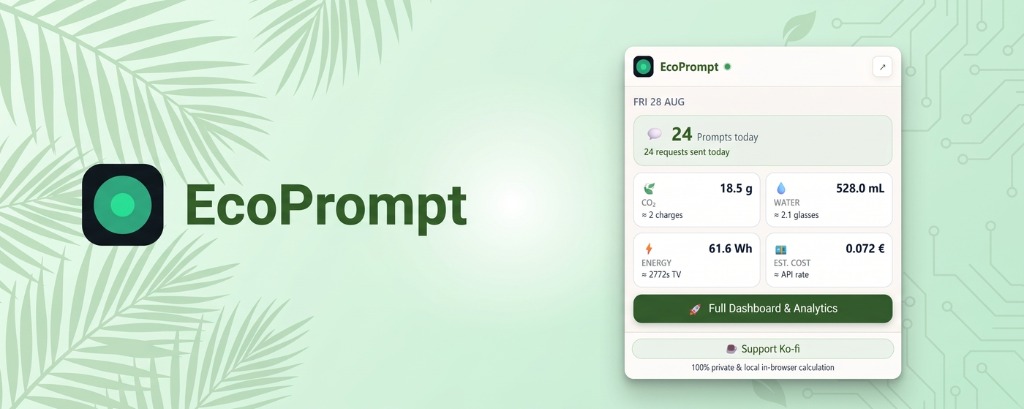
🌿 EcoPrompt — AI Ecological & Financial Impact Tracker

Make the invisible physical and financial cost of Generative AI visible.
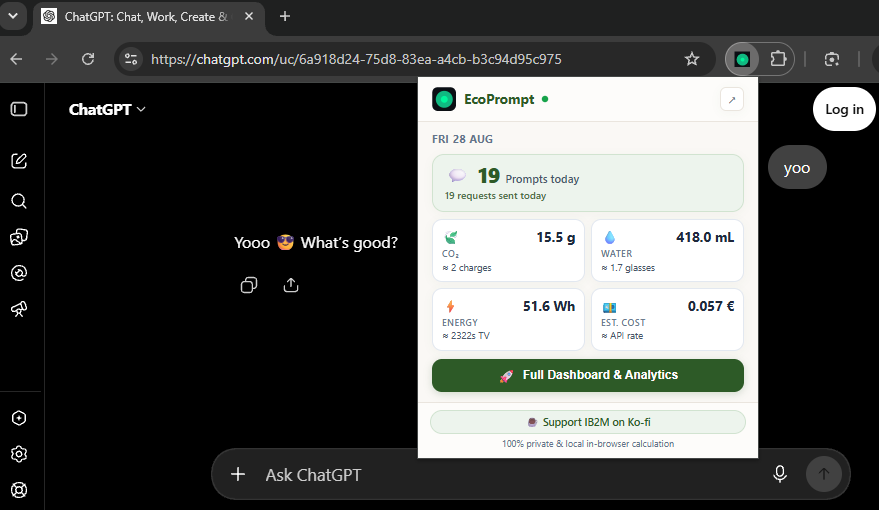
A lightweight, zero-knowledge Chrome Extension (Manifest V3) that estimates the carbon footprint, water evaporation, electricity draw, and API cost of your AI prompts in real time.





📸 Preview Gallery
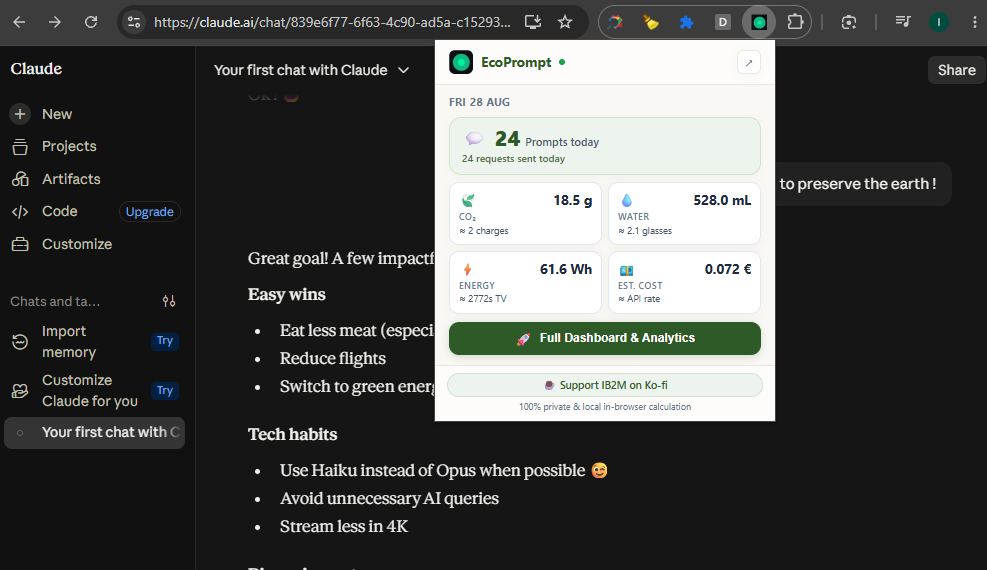
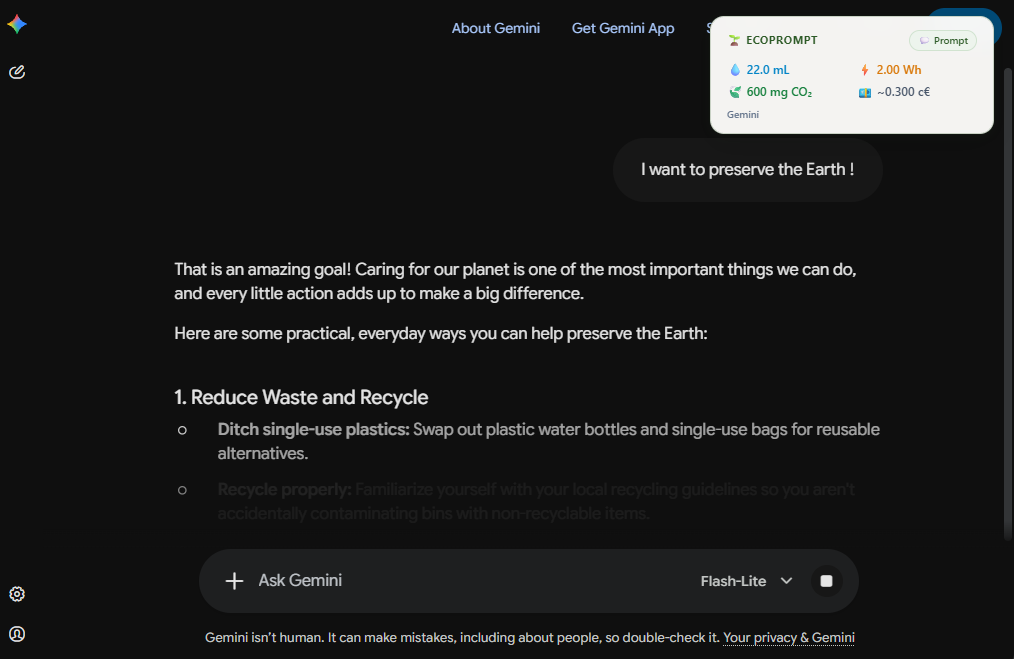
✨ Features
- ⚡ Real-Time In-Page Toasts: Instant ecological receipt upon prompt submission with glassmorphism botanical design.
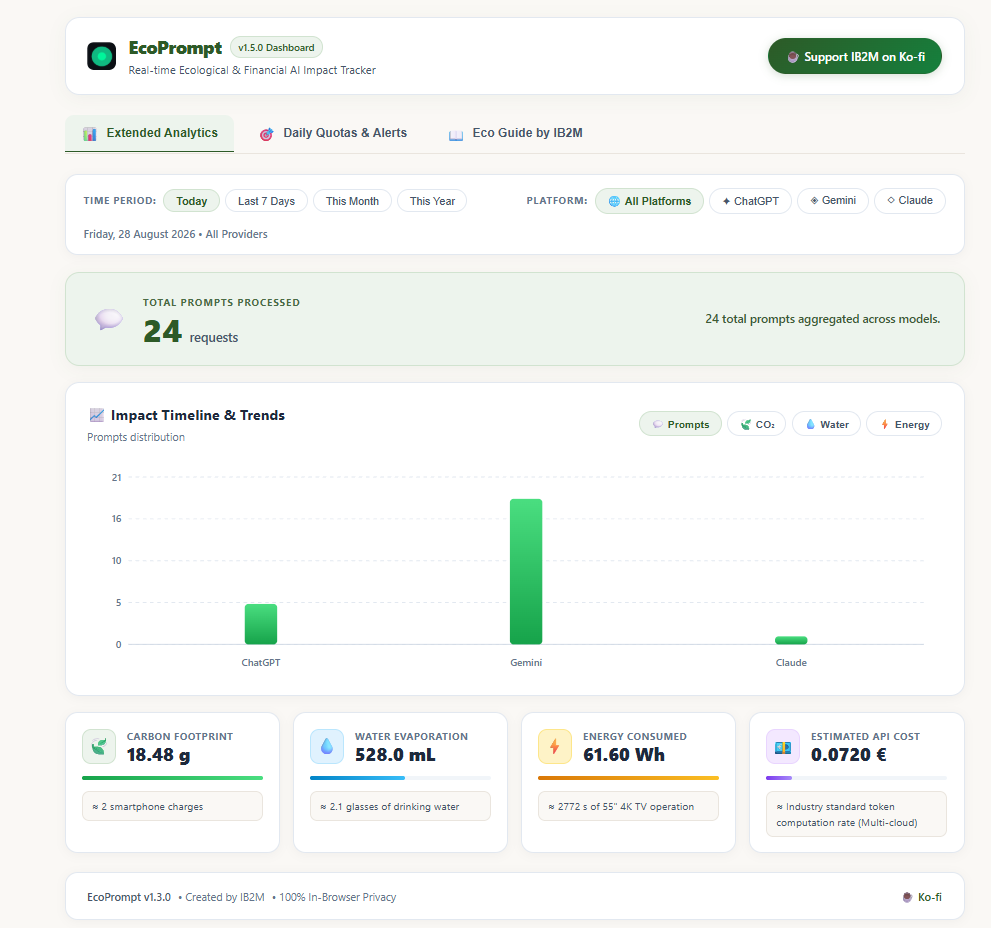
- 🏛️ The 4 Impact Pillars:
- 🍃 Carbon Footprint (g CO₂): Grid-weighted emissions model per token sequence.
- 💧 Water Consumption (mL): Direct data-center cooling tower evaporation + thermoelectric power plant water use.
- ⚡ Electrical Energy (Wh): Server PSU draw, GPU Tensor Core compute, HBM3 memory bandwidth, and data-center PUE.
- 💶 Estimated Cost (€): Equivalent enterprise API token rates.
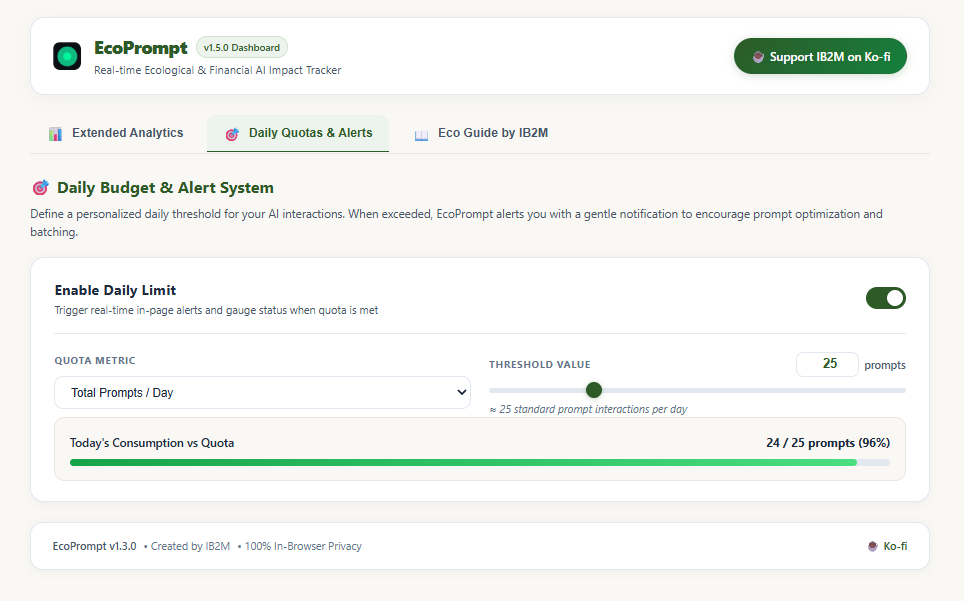
- 🎯 Continuous Quotas & Over-limit Alerts: Set a daily budget (Prompts, CO₂, Water, Energy) with progressive alerts (
+1,+2prompts over limit). - 📈 Standalone Full Dashboard:
- Dynamic interactive SVG timeline charts (Today, 7 Days, This Month, This Year).
- Breakdown by AI platform (ChatGPT vs. Gemini vs. Claude).
- Tangible real-world equivalences (smartphone charges, km driven, drinking glasses, LED lighting).
- 📖 Built-in 5-Article Guide by IB2M: Deep dive into AI thermodynamics, provider energy architectures, and eco-habits.
- 🔒 100% Private & Local: Zero remote servers, zero prompt logging, zero tracking scripts. All data lives in
chrome.storage.local.
🌐 Supported AI Platforms
| Platform | Domain | Monitored Interface |
|---|---|---|
| OpenAI ChatGPT | chatgpt.com, chat.openai.com |
Standard Prompting & Canvas |
| Google Gemini | gemini.google.com |
Standard & Advanced Models |
| Anthropic Claude | claude.ai |
Standard & Artifacts Composer |
Install the extension on the chrome web store
🚀 Installation (Developer Mode)
- Clone or Download the Repository:
git clone https://github.com/your-username/ecoPrompt.git(or download and extract the ZIP archive).
-
Open Chrome Extensions Manager: Navigate to
chrome://extensions/in your Chrome address bar. -
Enable Developer Mode: Toggle the Developer mode switch in the top right corner.
-
Load the Extension: Click “Load unpacked” (Charger l’extension non empaquetée) and select the
ecoPromptroot folder. - Pin & Use: Pin the EcoPrompt leaf icon to your toolbar and open ChatGPT, Gemini, or Claude to start tracking!
🎨 Design Theme: Botanical Minimalist
EcoPrompt v1.5.0 features a warm, mineral and botanical design theme:
- Surfaces: Linen Warm White (
#FAF8F5) & Pure White (#FFFFFF). - Accents: Deep Forest Green (
#2D5A27), Sage Mint (#EDF4ED), River Blue (#0284C7), Amber Gold (#D97706), and Terracotta (#C25E3E). - Typography: Modern clean sans-serif with comfortable line-height for high readability.
📄 License & Attribution
This project is authored by IB2M and licensed under the Creative Commons Attribution-NonCommercial-ShareAlike 4.0 International Public License (CC BY-NC-SA 4.0).
- Attribution (BY): You must give appropriate credit to IB2M, provide a link to the license, and indicate if changes were made.
- NonCommercial (NC): You may not use the material for commercial purposes, monetized wrappers, or paid distributions.
- ShareAlike (SA): If you remix, transform, or build upon the material, you must distribute your contributions under the same license.
Full Legal Code: https://creativecommons.org/licenses/by-nc-sa/4.0/legalcode
☕ Support the Project
If you find EcoPrompt useful for tracking your AI environmental footprint, you can support continuous open-source research and updates:

Created with 🌿 by IB2M